By Nguyễn Lương Bằng, who builds the Hullara theme
· Tested on Hullara Editorial Core 0.4.0, the release, on the Gildmoor demo store, 21 October 2026 · How we test and write these pages
How the engraving field learned to count, and the build it broke
Until 6 October 2026 the engraving field on a Hullara product page had a character limit and nothing else. A shopper typing one letter too many saw the browser refuse it without a word, and nobody saw the engraving as it would look until the piece arrived. This is what we added that day, how it counts, and the build it broke before the day was out.
What a limit on its own does
The limit is HTML's maxlength. The browser generally stops the next character once the
field is full — silently — and it measures the length in UTF-16 code units, "which is often
but not always equal to the number of characters".
For a workshop taking twenty letters, that is two problems. The shopper is not told the room is running out until it has, and the letters they are counting are not always the ones the browser counts.
Counting the way a person does
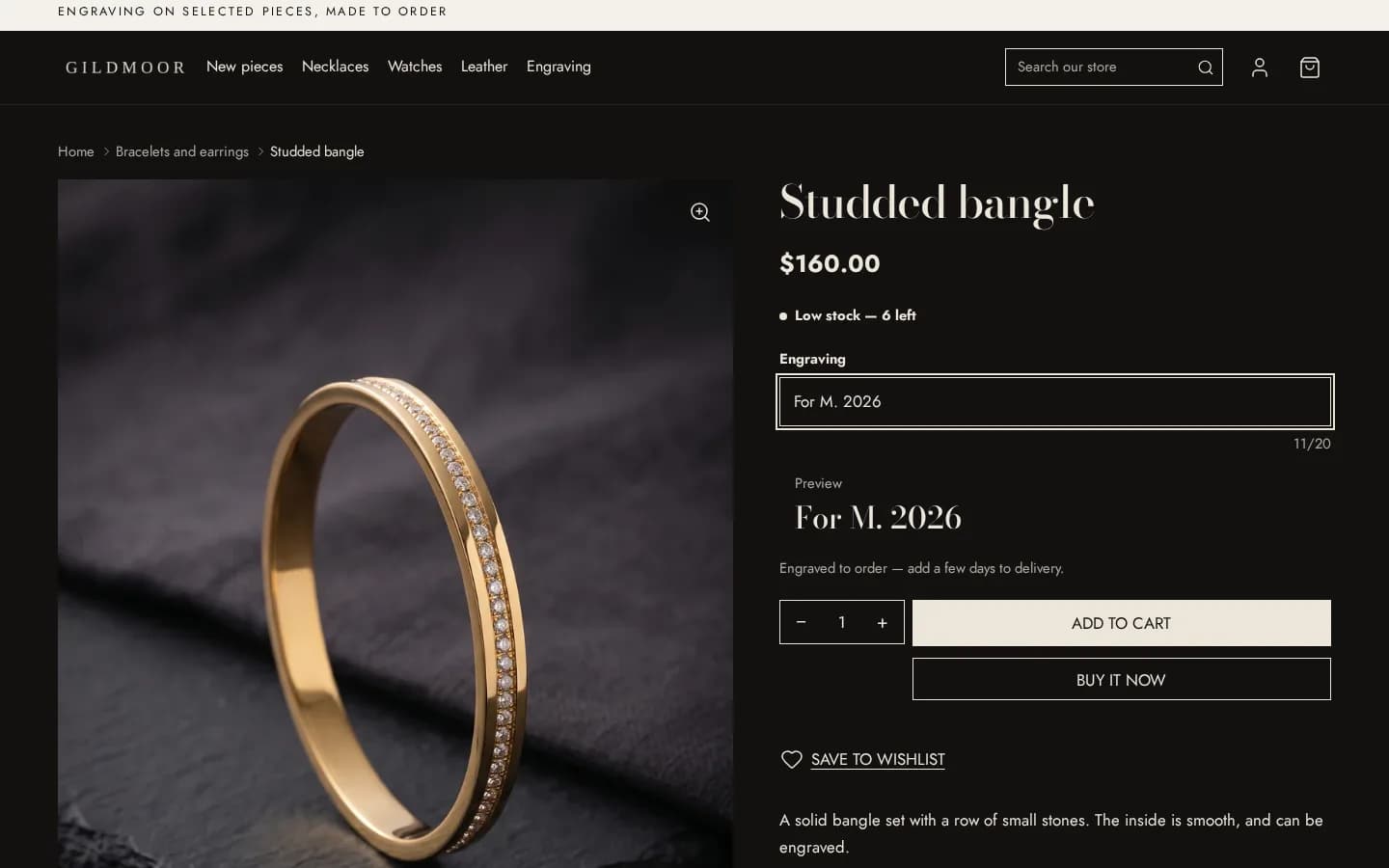
The field gained a line beside it: 12/20 for the eye, and 12 of 20 characters for a screen reader, as the field's description — read when the reader reaches the field, not announced on every keystroke.
It counts with the browser's Intl.Segmenter, which splits text into the units a reader
sees — graphemes — so an accented capital and a ring emoji are one each.
The same day it gained a preview: the words drawn as they are typed, in the theme's
heading, body or accent font, whichever the merchant chooses. Both the count and the preview
appear only once the page's script has run. A "0/20" that never moved would be wrong, and
without the script maxlength still holds the limit.
The build it broke
The first version went in with four failing tests, which the check before the commit should
have stopped. The element holding the count was opened inside one Liquid if
and closed inside another, and Shopify's theme check refuses an element left open that way, so
the preview builds went red.
The attempt before it was quieter and worse. The element's tag name had been written as a Liquid variable, which our build cannot read when it decides which scripts a theme needs — so the script that does the counting was left out of every build, with no error anywhere.
The fix was the plain answer: the field's wrapper went back to an ordinary element, and the count and the preview became an element of their own after the input. Every build verified clean the same day.
Later: the editor shows what applies (15 October)
The field can be a line of text, a longer note, a date or a checkbox. Since 15 October the theme editor shows the placeholder, the limit and the preview only for a field that takes text, and a checkbox's value only for a checkbox — a setting that cannot apply is hidden rather than left to do nothing.
What it doesn't do
- Emoji can stop it early. The count is in graphemes and the limit in code units, so a field full of emoji can stop a little before the count says it is full. Engraving is letters.
- No price, no upload, no mockup. The field puts words on the order. An engraving fee, an uploaded logo or a picture of the product with the words on it still need an app — the engraving page says which.
- Nothing without the script. Without JavaScript there is no count and no preview; the limit still holds.
The theme in this post
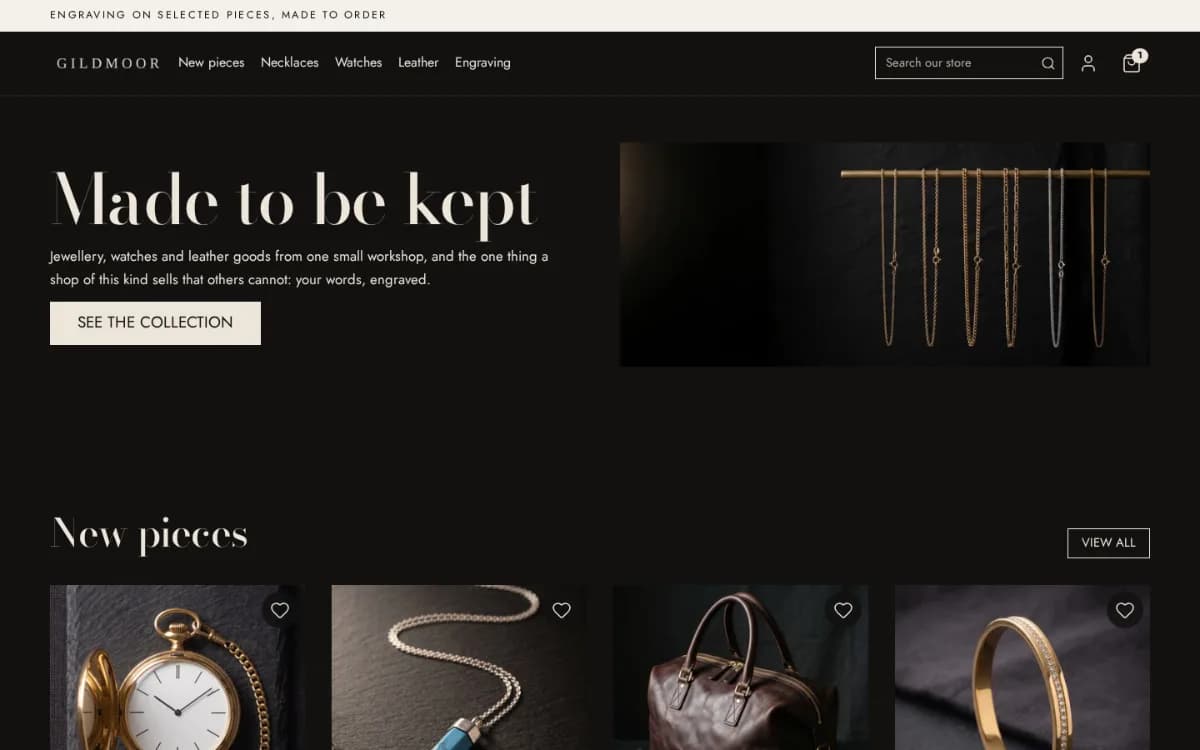
Hullara EditorialA high-price catalogue under 100 pieces: jewellery, watches, leather.