By Nguyễn Lương Bằng, who builds the Hullara theme
· Tested on Hullara Replenish Core 0.4.0, the release, on the Daily Measure demo store, 21 October 2026 · How we test and write these pages
The subscription block we built before we could see it
On 5 August 2026 we wrote the block that puts Shopify's subscribe-or-buy-once choice on the product page. Nobody here could see it work. A subscription on Shopify is a selling plan, and a selling plan only exists once a subscription app has made one; the development store we had then had no subscription app. The commit that added the block said so plainly: not verified — what it looks like with real selling plans. This is what we decided without seeing it, and what changed two months later when we did.
Why it could not wait for a store
Shopify lets a product require a plan. Its Liquid object says requires_selling_plan
"returns true if all of the variants of the product require a selling plan".
A product like that can only be bought with a plan chosen, so a product form that never sends one leaves it unsellable. That made the block part of buying, not an extra — it went into every edition, Core included, and into the default product template, before we had seen it draw anything.
Three decisions made blind
No JavaScript. Each choice is a radio button named selling_plan that belongs to the
product form through the HTML form attribute, wherever it sits on the page. The plan goes
to the cart in the same request as the variant and the quantity, with scripts or without.
The price on each option, not on the main price. Changing the price at the top of the page needs a script, has to be undone when the shopper goes back to one-time, and puts the number where they are not looking. The one-time price sits beside one-time and the plan's price beside the plan.
Nothing invented. A product that requires a plan gets no one-time option. A plan with no price for the size on screen is not offered, because Shopify prices a plan per variant. And a product with no plans gets no block at all — not even its stylesheet is fetched.
The first real plan
On 6 October our demo seed started creating selling plans the way a subscription app does, through Shopify's Admin API. The first was on the One Product demo's serum: every 3 months, 10% off, at $34.20 against $38.00. The block drew it as written, beside the price, and a second seed run changed nothing.
What seeing it changed
- The button's price steps aside (11 October). When Add to cart learned to carry the price — "Add to cart — $62" — it was the one-time price, wrong beside a chosen subscription. So while a plan is chosen the button leaves its price out; the plan's price is on the plan.
- A group became one card (13 October). The approved design for One Product's buy box put the plans of a group together as one card — the group's name and price over a row of delivery choices. Every choice is still the same radio button underneath, so the keyboard and a screen reader work as they did with the list.
- A sold-out size cannot be subscribed to (14 October). Our own review found the choices still pressable on a variant that could not be bought. They are disabled now until it can.
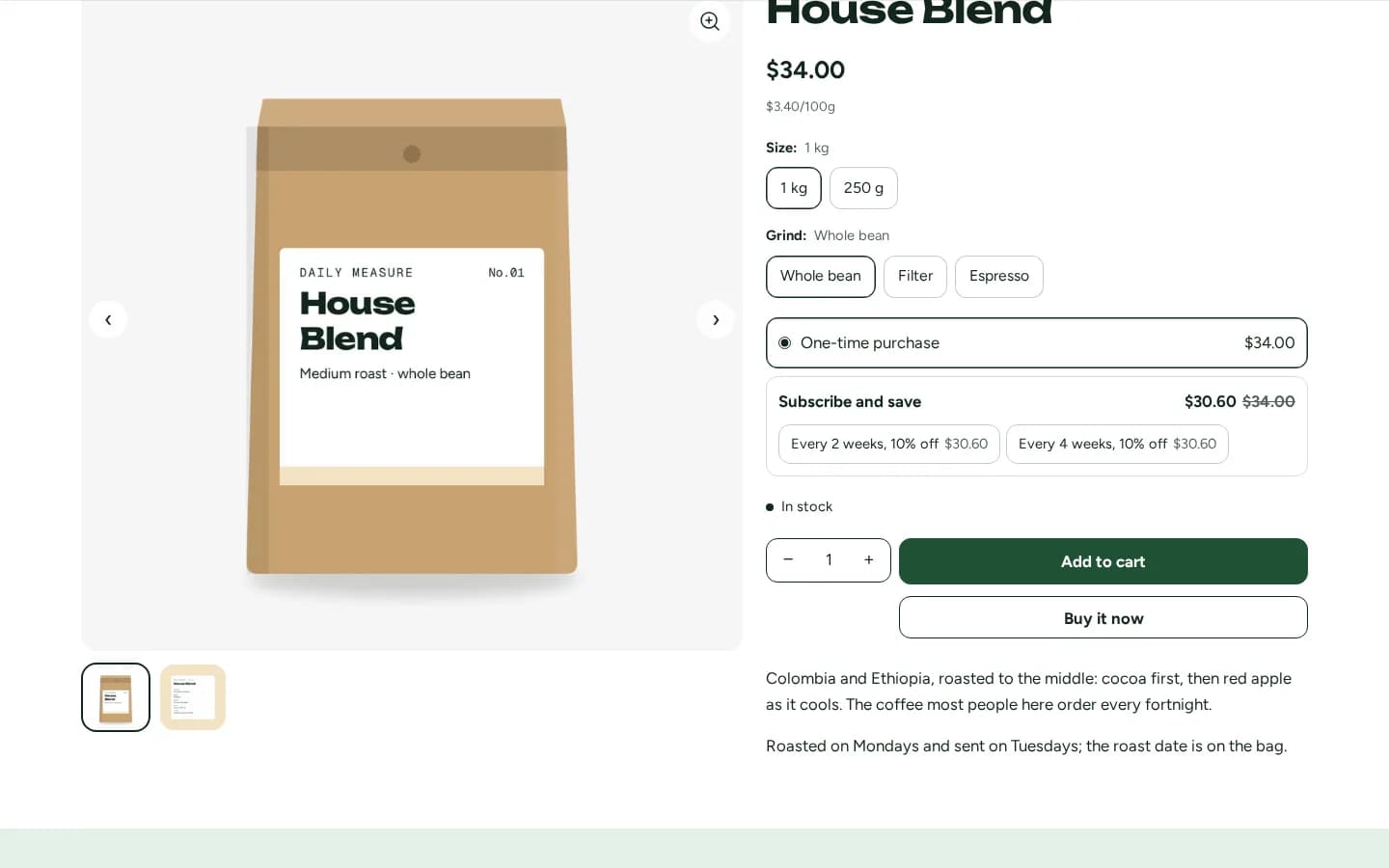
Hullara Replenish, made for coffee, supplements and the things a household orders again, is built around this block; the subscriptions page shows it working.
What it doesn't do
- It does not bill anybody. Plans, renewals and the page where a customer pauses or skips belong to a subscription app.
- It has not met every subscription app. Our demo plans are made through the Admin API, the way apps make them; we have not tested the block beside a particular app's own widget.
- It does not build a box. Choosing what goes into a mixed order is a separate Pro section on Replenish.
The theme in this post
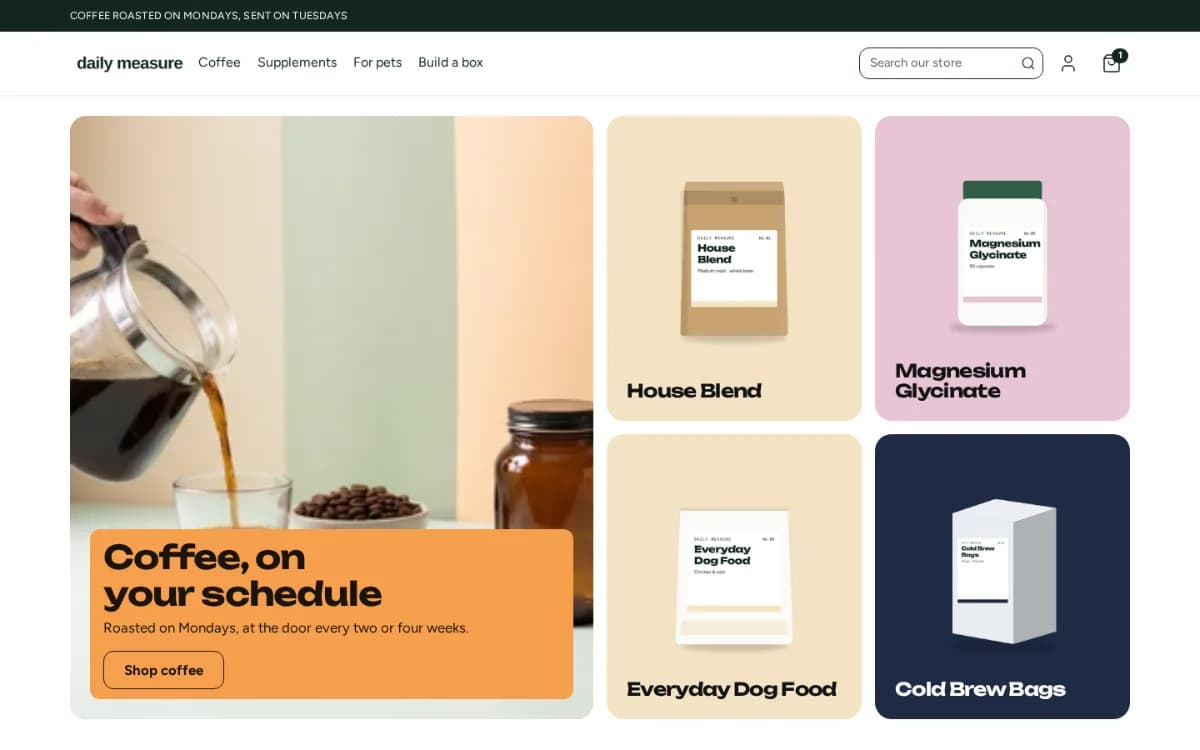
Hullara ReplenishThings people buy again: coffee, supplements, pet food, refills.